FILES, MEET ORDER.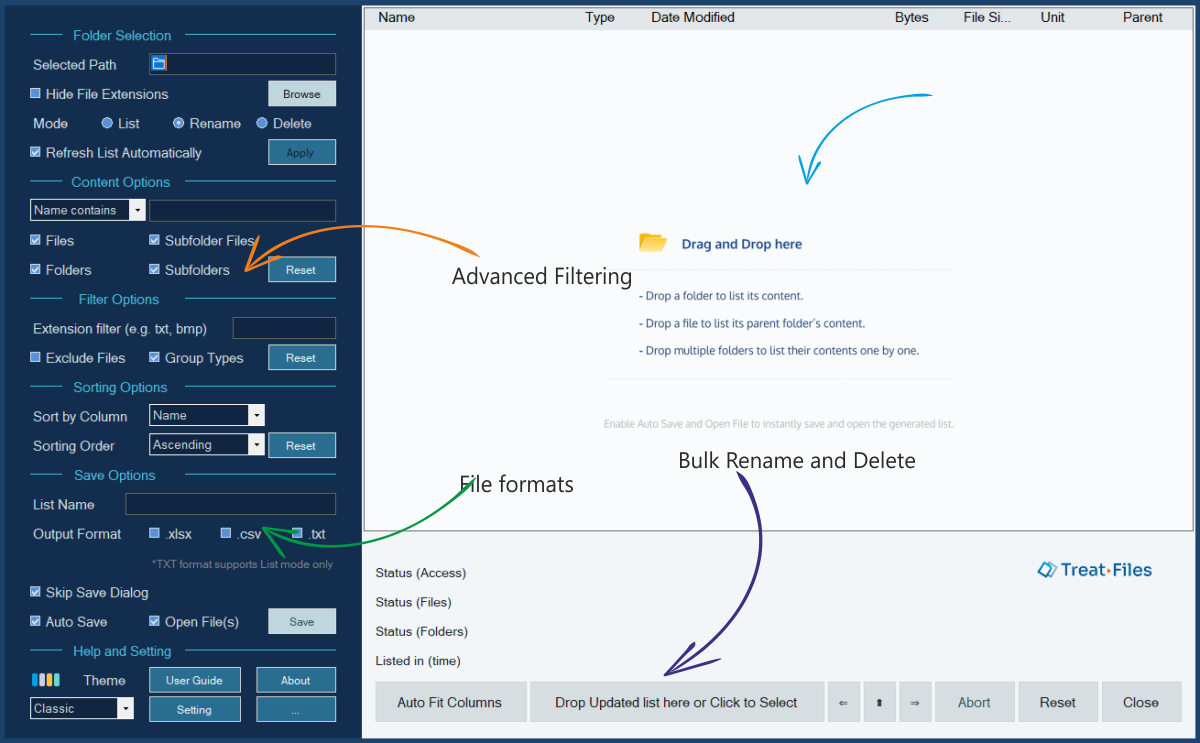
FILE MANAGEMENT
 TreatFiles
Turn thousands of files into a list you can work with. Export to Excel, CSV or text, then use Excel to prepare batch renames and deletions.

PRACTICAL APPS FOR WINDOWS
Aonetara makes focused desktop tools to organize files, search clipboard history, back up folders, recover archived websites and pick screen colors. Choose the app for your task below.
Explore the appsBuilt for Windows. Available on Microsoft Store.
TreatFilesList, rename & delete files
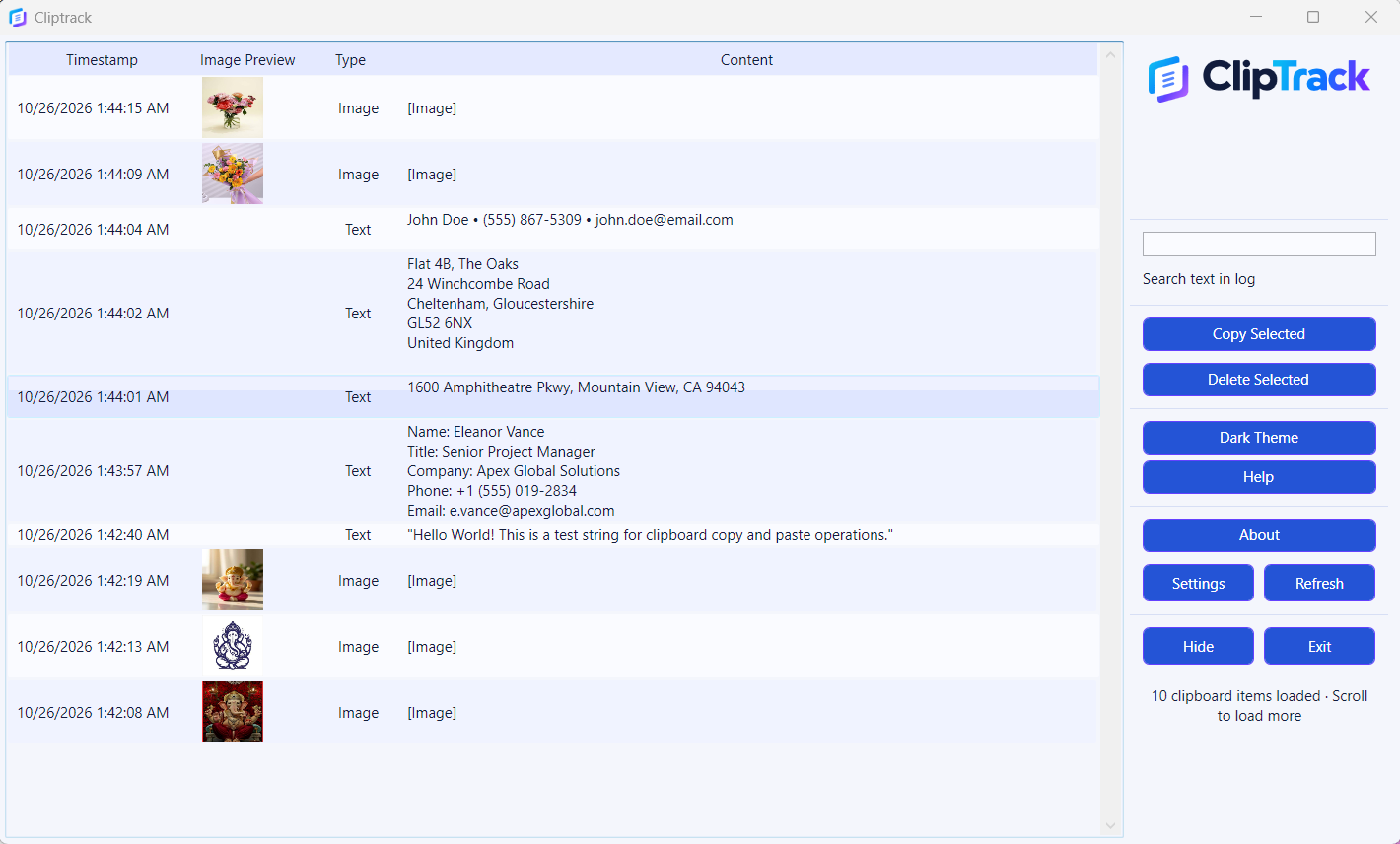
 ClipTrackSearch copied text & images
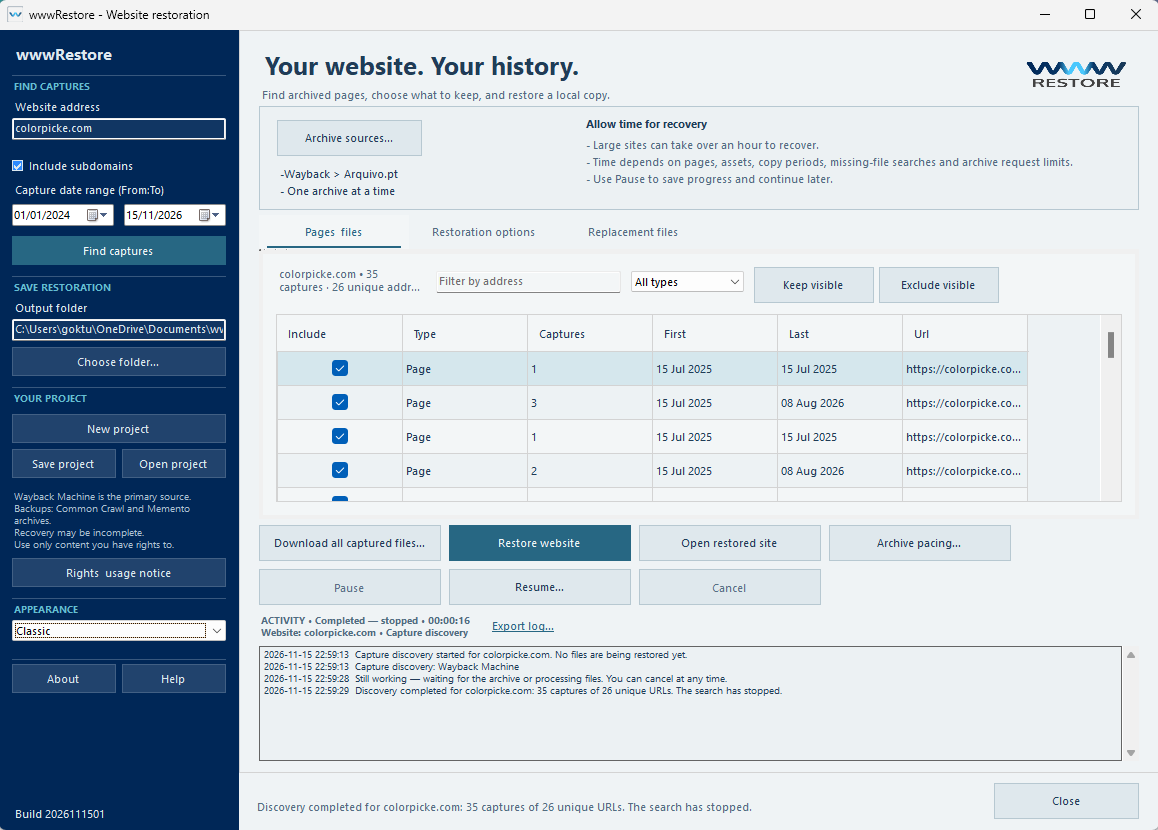
 wwwRestoreRecover archived websites
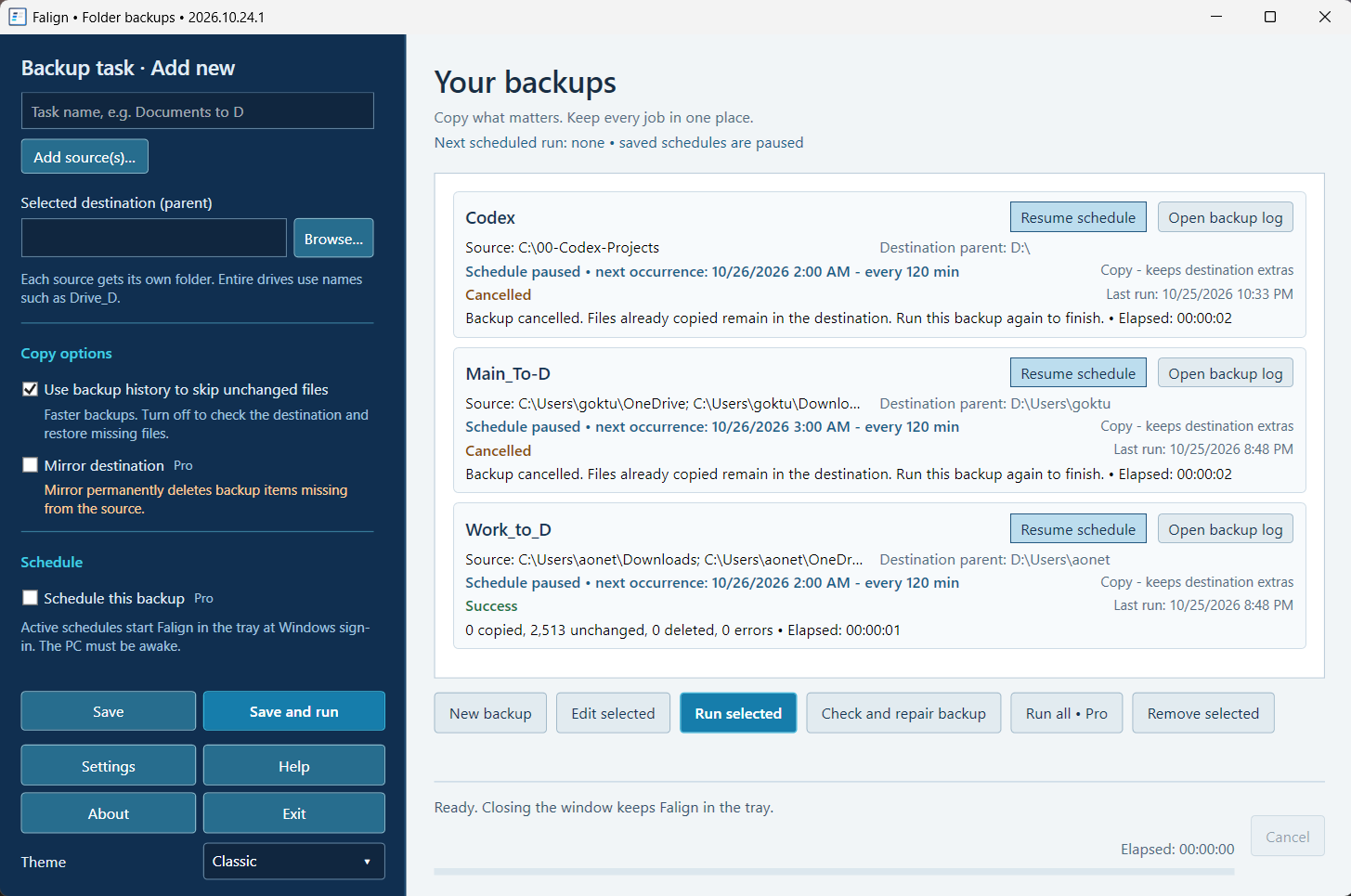
 FalignBack up files & folders
 ColourangPick & save screen colors
 UnderGlassImage tamper detectionUpcoming ↗
PURPOSEFUL BY DESIGN
Explore the collection.
See what fits the way you work.
FILE MANAGEMENT
TreatFilesTurn thousands of files into a list you can work with. Export to Excel, CSV or text, then use Excel to prepare batch renames and deletions.
 App preview · example data
CLIPBOARD HISTORY
ClipTrackA second chance for everything you copy. Keep a searchable history of copied text and images, and find the useful bits again when you need them.
 Explore your web history
WEBSITE RECOVERY
wwwRestoreBring your web history home. Recover available Wayback Machine pages, images and styles into a browsable local copy. Results depend on available captures.
 A clearer backup routine
FOLDER BACKUP
FalignGive important folders a backup. Save your jobs, copy changed files and review each result. Optional Pro plans add scheduling and mirroring.
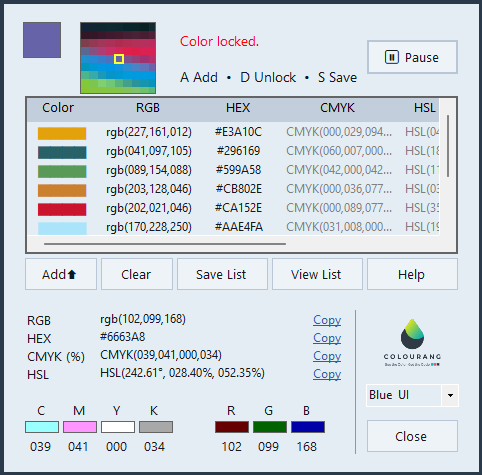
SCREEN COLOR PICKER
ColourangKeep color close at hand. Sample your screen, freeze colors in motion, and save favorites for your next design, development or digital art project.
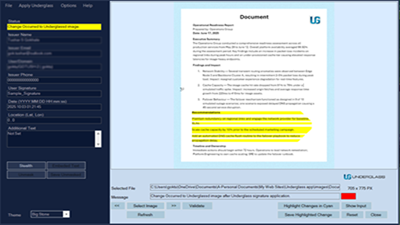
UPCOMING PRODUCT
UnderGlassAn image authentication and tamper detection tool for digital images and scanned documents. Verify images offline, detect small changes, and mask sensitive areas.
AONETARA, AT YOUR SERVICE
We make practical Windows tools with a clear purpose: helping you get through everyday digital tasks with less effort.
Each app has its own focus. Together, they make a useful collection for your desktop.
Say hello to Aonetara ↗